- ADDRESS:Jinan City, Shandong Province
- Wanda Plaza, Jinan, Shandong, China
- +8617615809553
- info@deruna.com
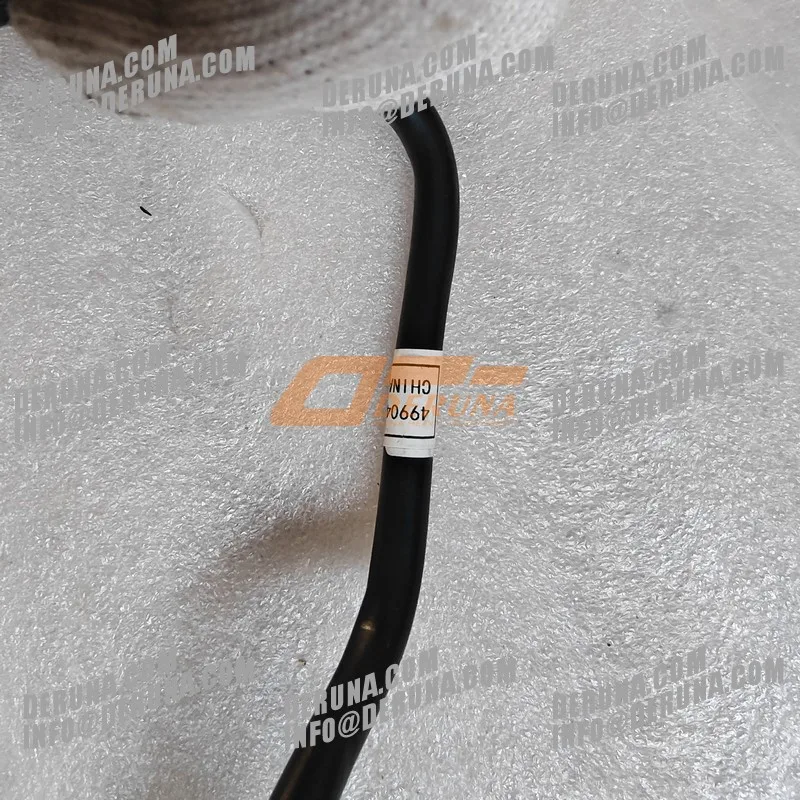
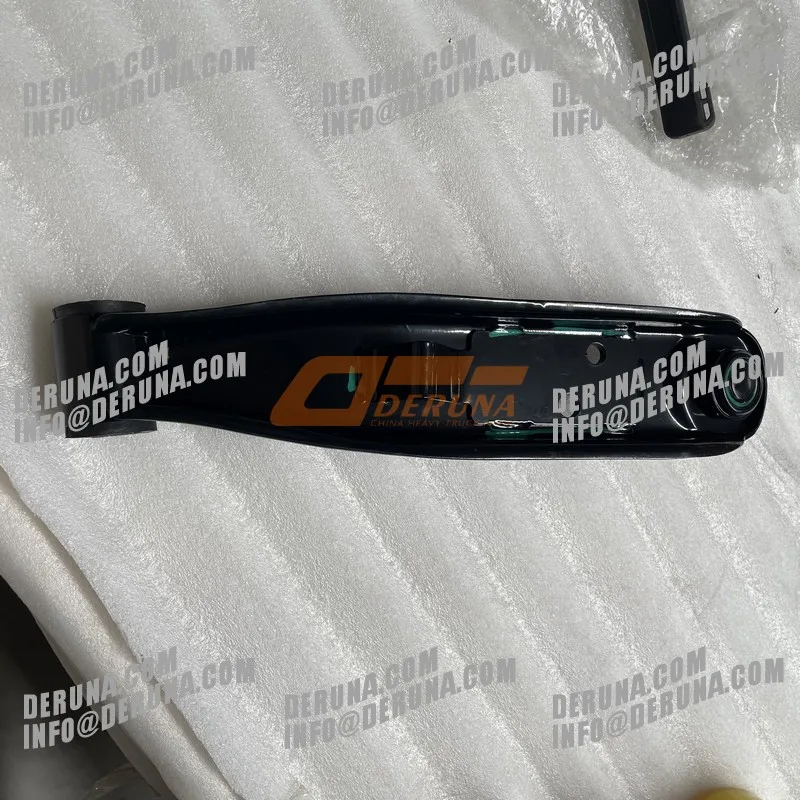
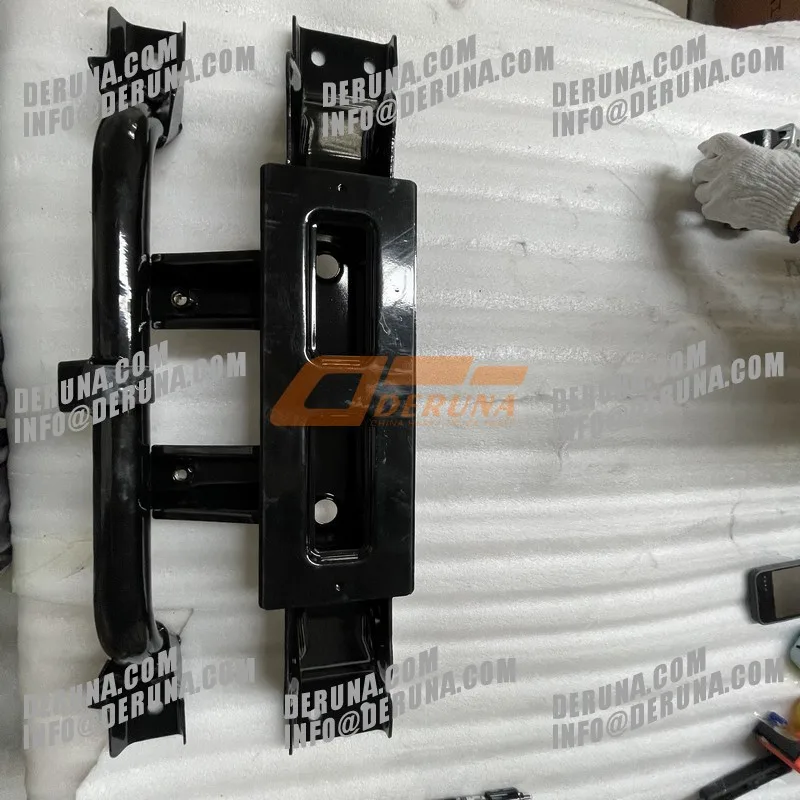
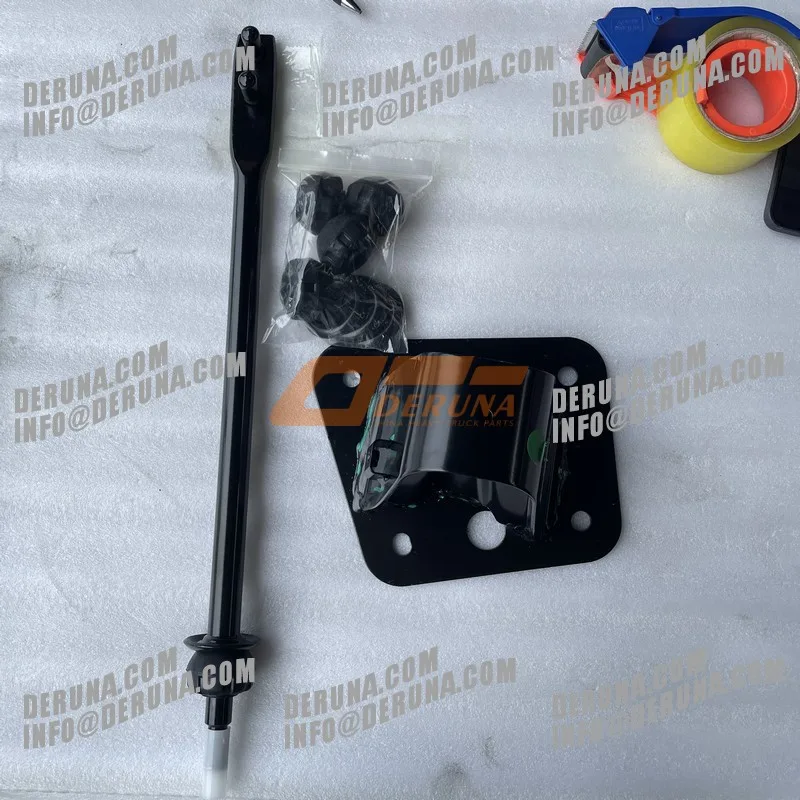
The L0340260100A0 Steering Rack Column is the steering component that converts the turning motion of the steering wheel into the lateral movement of the front wheels on FOTON commercial trucks. It carries the rack-and-pinion mechanism and the input shaft that links the column to the steering gear. A worn or loose column introduces free play, vague centring and uneven tyre scrub, and all of those effects grow worse under load or on uneven ground. We supply this unit through our focused Foton truck parts programme after checking the part number, shaft connection and steering ratio against the OEM reference.
Because the steering column decides how directly the truck answers every input, its condition shapes driver confidence, front tyre life and the stability of the whole vehicle on every journey.
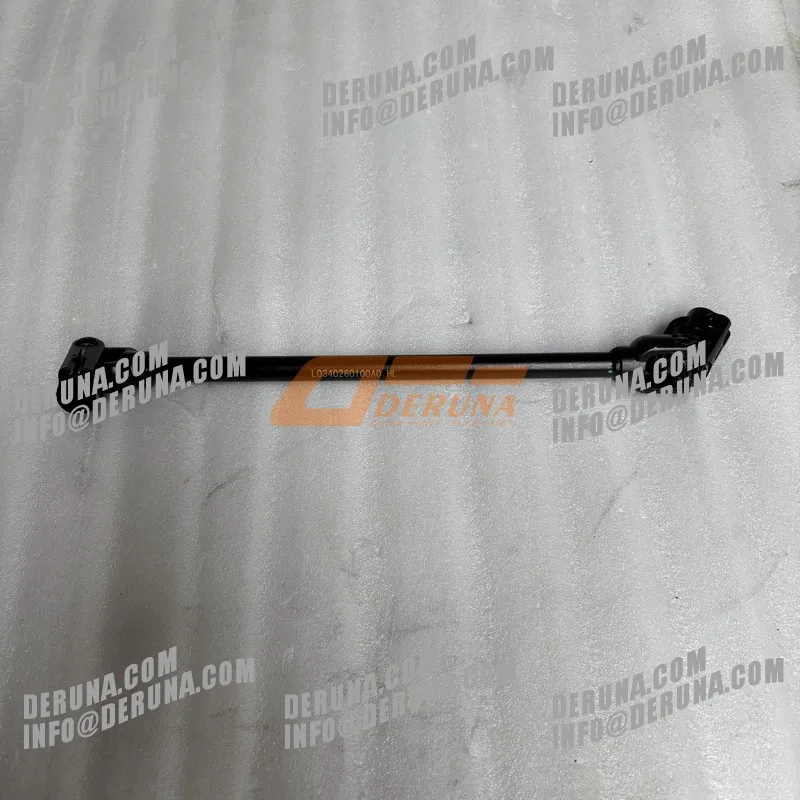
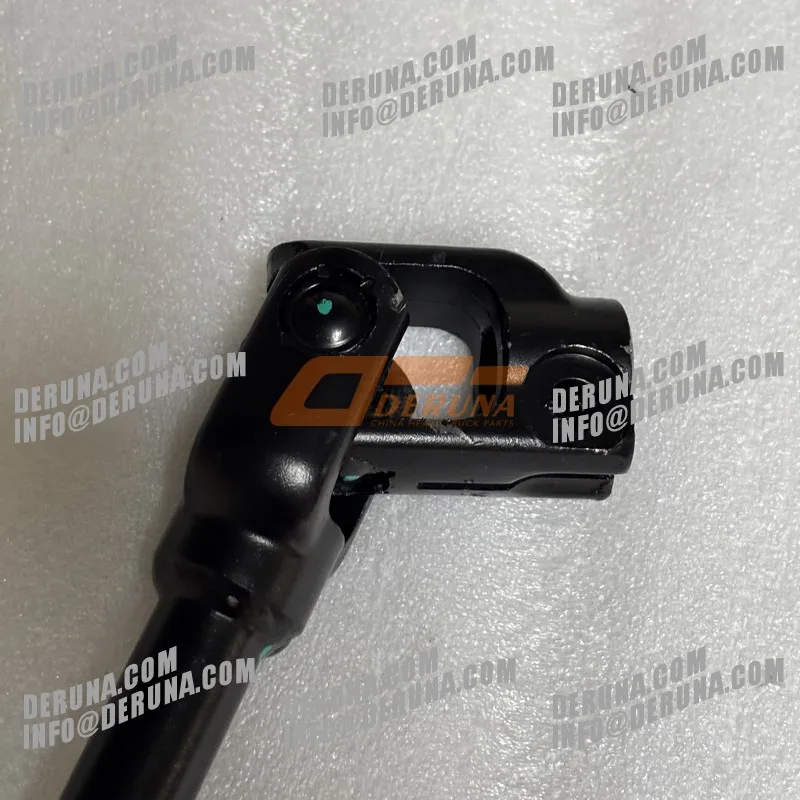
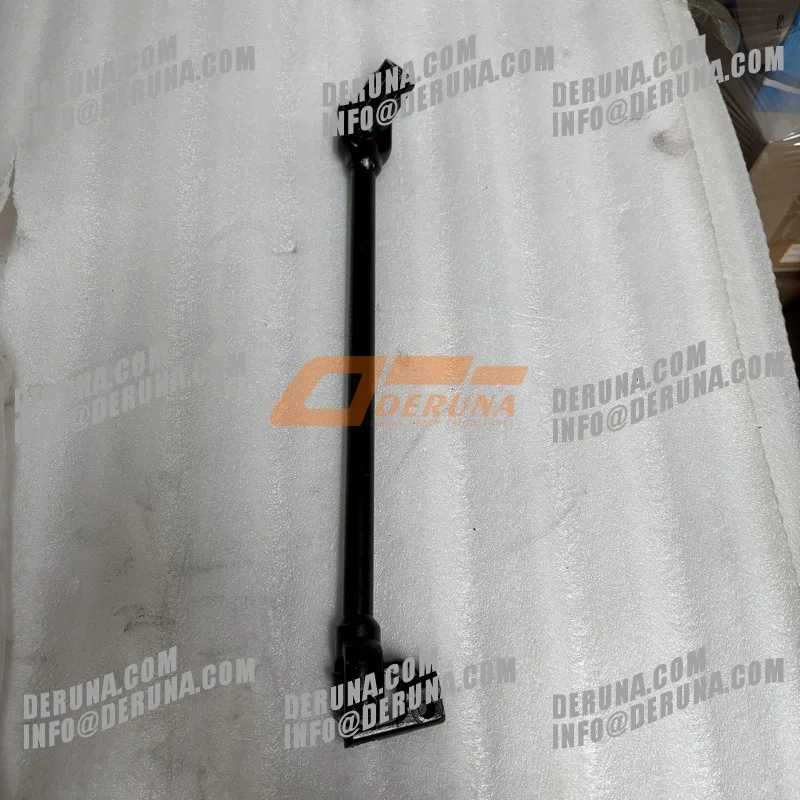
Leaf springs and the front axle locate the truck, but the steering column is what turns that location into direction. When the driver rotates the wheel, the input shaft turns a pinion that drives the rack sideways, and the tie rods pass that movement to the steering knuckles.
Every millimetre of travel has to be transferred without lost motion, because free play at the column appears as a delay between the wheel and the road. The L0340260100A0 unit is built to the original steering geometry, so the ratio and mounting points match the truck as it left the factory.
That gives the driver a stable platform, keeps the front wheels true under load and protects the steering components from the shock loading that leads to loose fittings. On a loaded truck, a column that has developed play lets the front wheels wander in a series of small corrections.
The result is constant driver input, uneven tyre wear and a vehicle that feels unsettled on corners. That is exactly the condition that makes a loaded truck harder to place accurately in tight yards and narrow streets.
Vague or delayed steering response means internal wear has opened up the rack-and-pinion clearance, so the wheel moves before the road wheels follow and the driver has to keep correcting the line.
Knocking felt through the steering wheel points to worn internal bushes or a loose mounting, and the noise usually grows louder when the truck turns over broken surfaces.
Uneven front tyre wear is a classic sign of a column that lets the wheels toe in and out as the load shifts, scrubbing the tread in patches instead of rolling cleanly.
A steering wheel that sits off-centre after alignment suggests the rack has developed internal play, and no amount of adjustment will hold the steering straight until the unit is replaced.
The internal rack runs on a low-friction bearing surface that is pre-loaded at assembly. That pre-load removes rattle without making the steering stiff, and it is held within a narrow band so the column feels identical from lock to lock.
Once the pre-load is lost, the knock that drivers notice first on rough roads appears. The eye-to-eye length and mounting type follow the original layout, so the L0340260100A0 unit installs without compressing or extending the steering beyond its normal travel.
A column of the wrong length limits steering articulation or tops out at full lock, and both faults damage the mounting brackets over a long service life.
Park on level ground and chock the rear wheels. Support the front axle on stands so both front wheels hang freely, then remove the wheel on the side being serviced for clear access to the steering assembly.
Mark the position of the intermediate shaft and the column joint so the assembly can be refitted at the same angle. Remove the retaining bolts at the mounting brackets, then detach the tie rod ends from the steering arms using a suitable puller before applying force.
Withdraw the old unit and offer up the new L0340260100A0 column, checking that the input spline engages fully and that the mounting faces seat flat against the brackets. Fit the mounting bolts finger tight first, then connect the tie rod ends and the intermediate shaft.
Torque both mountings to the workshop specification with the suspension at ride height so the bushes are not pre-loaded. Refit the wheel, lower the truck and turn the wheel from lock to lock to confirm free movement and correct centring.
Inspect the end boots at every service. A split boot lets grit enter the rack, and the abrasive paste that forms accelerates wear on the sliding surface far faster than normal use. Replace a damaged boot immediately.
Check the mounting bolts and the intermediate shaft joint for movement. A joint that has worked loose produces a clunk and allows the input angle to change, which places bending load on the shaft and shortens the life of the internal seal.
Keep the front wheel alignment current. Incorrect toe angle makes the driver hold the wheel off-centre, which loads one side of the rack and causes uneven wear on the front tyres over a long service interval.
Replace steering columns as a matched set when both sides show wear. Both front wheels share the same road and the same load, so fitting only one side leaves the axle with uneven response and the new unit working harder than it should.
Steering columns look alike but differ in input spline count, housing length, steering ratio and bracket position. Each L0340260100A0 unit in our warehouse is checked against the OEM reference for part number, shaft interface, mounting geometry and internal free play before dispatch.
Our Foton truck parts range focuses on the components that keep trucks stable and comfortable to drive. The column ships in a carton with a shaft guard so the splined input and the sealing surfaces arrive undamaged and ready for direct installation.
How can I test whether the L0340260100A0 column is still working?
With the engine running, rock the steering wheel gently left and right through the centre position. A healthy column responds immediately and silently. If the wheel moves before the road wheels follow, or a knock is felt, the unit should be replaced.
Can a worn steering column damage the front tyres?
Yes. Without firm control, the front wheels change toe angle as the load moves, and that sideways scrub wears the tread unevenly and shortens tyre life. Replacing a tired column protects the tyres and the steering geometry.
How do I confirm L0340260100A0 fits my FOTON truck?
Compare the number on the original unit with L0340260100A0, then check the input spline, housing length and bracket type against the steering section of your workshop manual.
Bring the front end back under control. The FOTON L0340260100A0 Steering Rack Column delivers the steering ratio, shaft interface and mounting accuracy needed for confident handling and even front tyre wear.
If you have any questions about our products, services, or anything related to what we offer, please don’t hesitate to leave us a message—our dedicated team is always ready to provide prompt and helpful responses to address your concerns. What’s more, when you become our valued customer, we’re delighted to offer you complimentary catalog services, giving you access to detailed, up-to-date information on our full range of products, specifications, and offerings to help you make informed decisions.